
EaseUS Review 2026
Losing important files, upgrading to a new SSD, or recovering a crashed Windows installation can be stressful. While Windows includes basic disk management and backup features, many users need more advanced tools for data recovery, partition management, cloning, and system migration.
EaseUS has built its reputation by offering a complete ecosystem of software focused on protecting, recovering, and managing data. Since its founding in 2004, the company has expanded beyond recovery software into backup, disk cloning, partition management, PC migration, mobile utilities, PDF editing, multimedia tools, and AI-powered applications. Today, EaseUS serves users in more than 190 countries and offers products for Windows, macOS, iOS, Android, and businesses.
But with many alternatives available, is EaseUS still worth buying in 2026?
This detailed EaseUS Review 2026 examines the company’s software lineup, real-world performance, pricing, licensing, strengths, weaknesses, and who will benefit most from its products.
Quick Verdict
| Category | Rating |
|---|---|
| Data Recovery | ⭐⭐⭐⭐⭐ |
| Backup & Restore | ⭐⭐⭐⭐⭐ |
| Disk Management | ⭐⭐⭐⭐⭐ |
| Ease of Use | ⭐⭐⭐⭐⭐ |
| Value for Money | ⭐⭐⭐⭐☆ |
| Overall Rating | 4.8/5 |
Best For
- Home users
- IT professionals
- Small businesses
- Content creators
- Students
- PC builders
- Users upgrading HDDs to SSDs
- Anyone recovering deleted files
What Is EaseUS?
EaseUS is a software company specializing in data recovery, backup, disk management, partitioning, system migration, and PC utilities. Rather than focusing on a single flagship product, it provides an integrated collection of tools designed to help users maintain, repair, recover, and optimize computers and storage devices.
Its software supports:
- Windows
- macOS
- iPhone
- Android
- Home users
- Businesses
- Enterprise environments
One of EaseUS’s biggest strengths is that many products share a similar interface, making it easier for users to learn new tools without starting from scratch.
EaseUS Software Ecosystem
Unlike companies that focus on one application, EaseUS offers solutions across several categories.
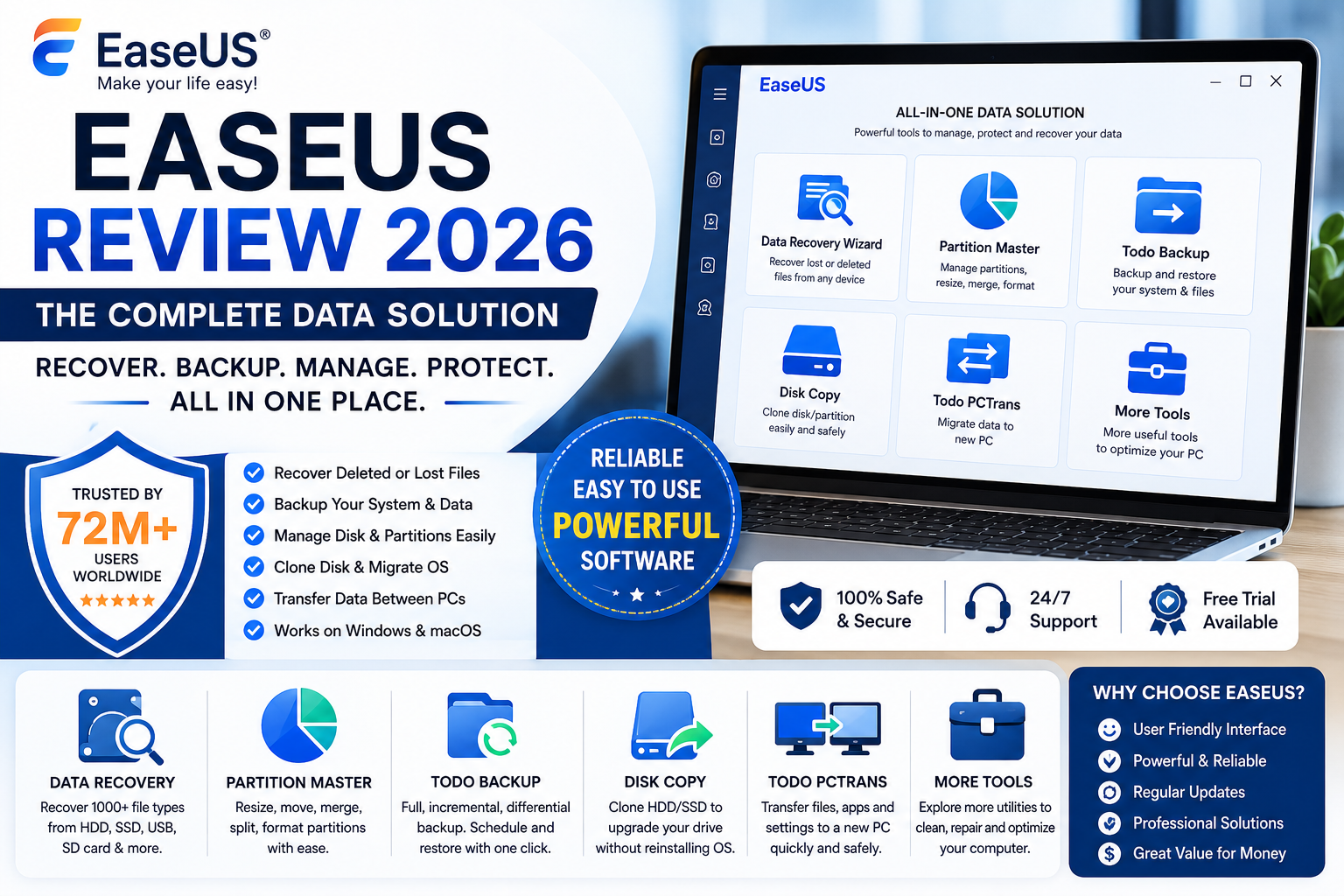
1. EaseUS Data Recovery Wizard
This is the company’s flagship product and one of the most recognized data recovery applications available.
It Can Recover
- Deleted files
- Formatted drives
- Lost partitions
- HDDs
- SSDs
- USB drives
- SD cards
- External hard drives
- NAS storage
- Crashed Windows systems
- Recycle Bin files
- RAW partitions
The software supports recovery of over 1,000 file types and uses quick and deep scan modes to maximize recovery success. Users can preview files before restoring them, reducing the chance of recovering unwanted data.
Strengths
- Beginner-friendly interface
- Fast scanning
- File preview
- Supports many storage devices
- High recovery success for recently deleted files
Limitations
- Overwritten files usually cannot be recovered.
- Deep scans on large drives can take several hours.
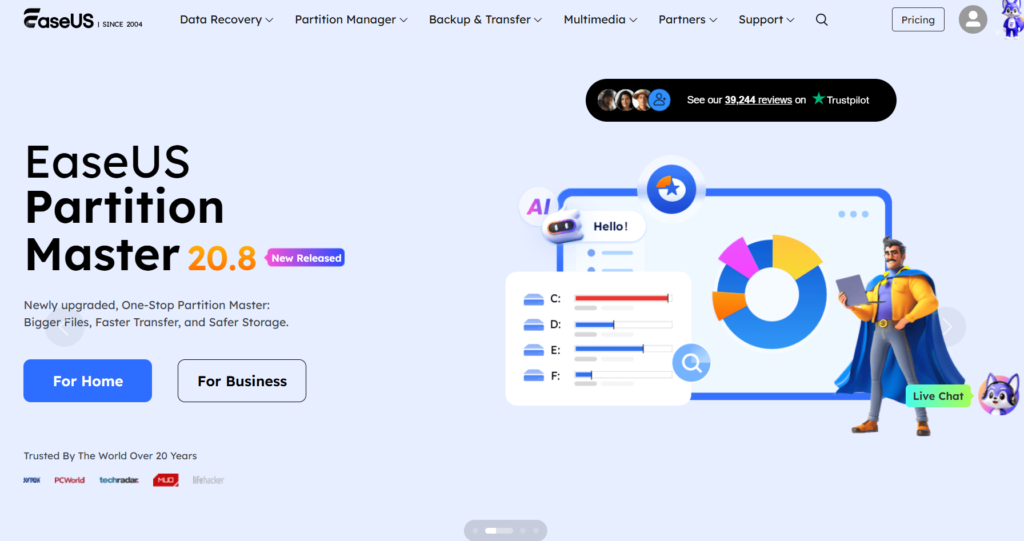
2. EaseUS Partition Master
Windows Disk Management handles basic partition tasks, but Partition Master adds far more flexibility.
Features
- Resize partitions
- Merge partitions
- Split partitions
- Convert MBR to GPT
- Convert NTFS/FAT32
- Clone partitions
- SSD alignment
- Migrate Windows
- Create bootable media
- Secure partition deletion
Partition Master is especially useful when upgrading drives, installing larger SSDs, or reorganizing storage without reinstalling Windows.
3. EaseUS Todo Backup
Data recovery should be the last resort. Regular backups are the best protection against hardware failure, ransomware, or accidental deletion.
Todo Backup includes:
- Full system backup
- Incremental backup
- Differential backup
- File backup
- Disk imaging
- Scheduled backups
- Cloud backup support
- One-click restore
- System clone
The software supports both personal and business backup workflows, making it suitable for individual users and organizations.
4. EaseUS Disk Copy
Replacing an old hard drive no longer requires reinstalling Windows from scratch.
Disk Copy allows users to:
- Clone HDD to SSD
- Upgrade to NVMe drives
- Clone Windows installations
- Copy damaged disks sector by sector
- Preserve bootability
This is particularly valuable for users upgrading older laptops or desktops to SSD storage.
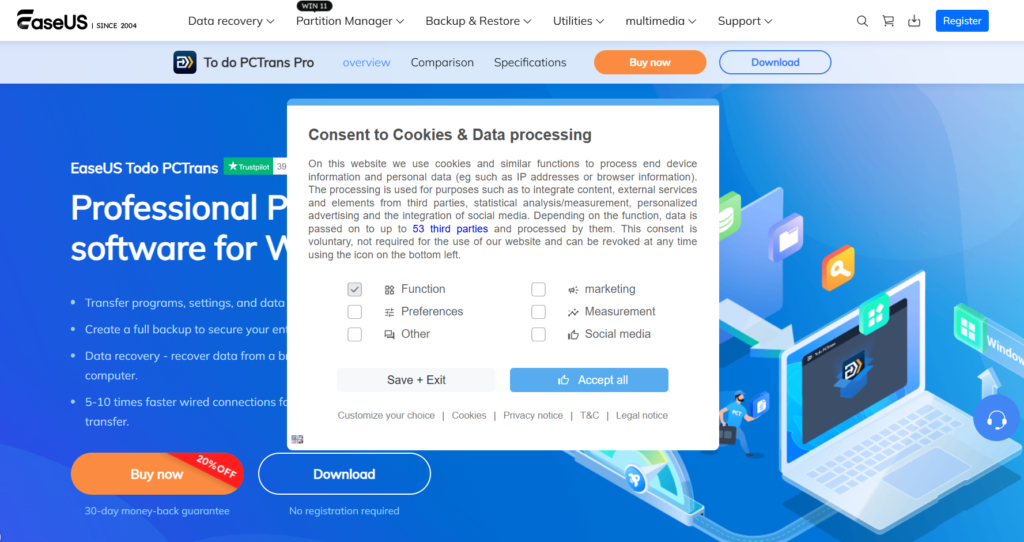
5. EaseUS Todo PCTrans
Moving to a new computer often means reinstalling software and transferring files manually.
Todo PCTrans simplifies migration by transferring:
- User accounts
- Installed programs
- Documents
- Photos
- Videos
- Application settings
This can significantly reduce setup time when replacing a Windows PC.
Additional Products
EaseUS has expanded into other categories, including:
- PDF Editor
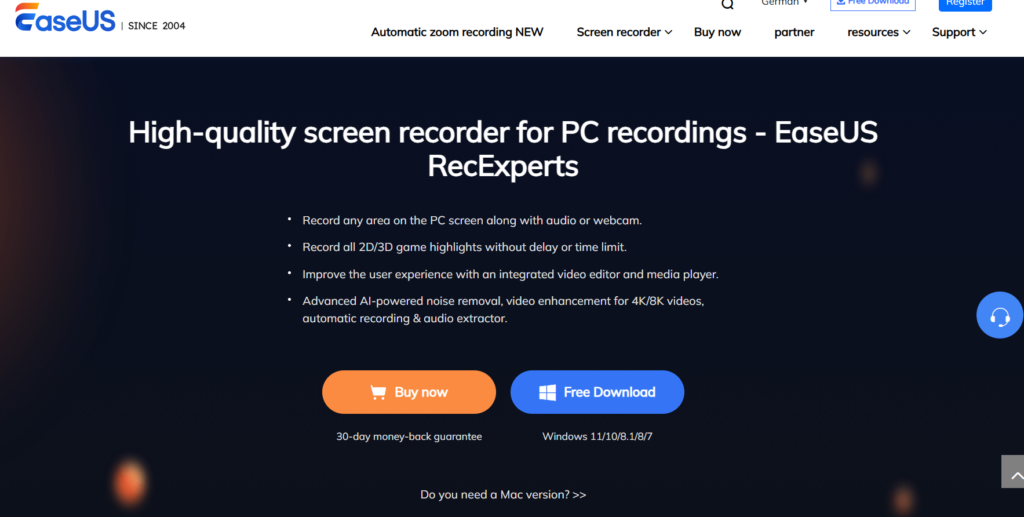
- RecExperts Screen Recorder
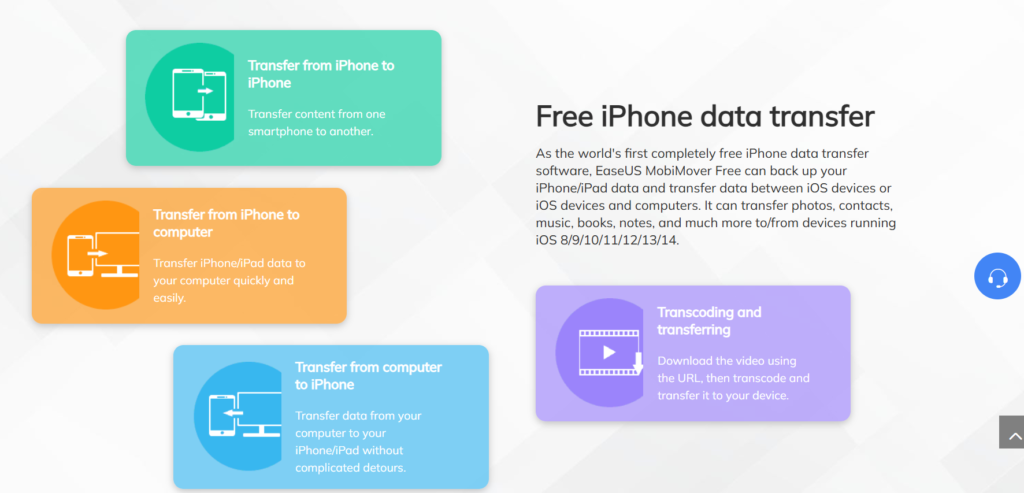
- MobiMover (iPhone data transfer)
- MobiSaver (mobile recovery)
- DriverHandy
- VoiceWave AI Voice Changer
- Vocal Remover
- Video Downloader
- File Repair (Fixo)
- KeyFinder
- NTFS for Mac
- CleanGenius
This broad ecosystem allows users to manage many digital tasks from one software provider.
Ease of Use
One of EaseUS’s strongest qualities is usability.
Most applications follow a consistent design:
- Select a drive or task.
- Scan or configure.
- Preview the results.
- Apply changes.
Even complex operations such as disk cloning or partition resizing are presented through guided wizards, reducing the likelihood of user error.
Performance
In practical use, EaseUS applications perform reliably for common recovery and management tasks.
Data Recovery Wizard
- Quick Scan completes rapidly for recently deleted files.
- Deep Scan is more comprehensive but slower.
- File previews help verify recoverable items before restoration.
Partition Master
Partition operations are straightforward and include safety checks before applying changes.
Todo Backup
Supports scheduled backups with minimal user intervention once configured.
Performance will vary depending on drive health, system specifications, and storage size.
Pricing & Licensing
EaseUS offers several licensing options:
- Free editions
- Monthly subscriptions
- Annual plans
- Lifetime licenses (for selected products)
- Technician licenses
- Business editions
Many products include free versions with limited functionality, allowing users to test the software before purchasing. Higher-tier editions unlock advanced features such as unlimited recovery, WinPE boot media, enterprise deployment, and technical support.
Customer Support
EaseUS provides a comprehensive support ecosystem that includes:
- Knowledge Base
- Product manuals
- Video tutorials
- Live chat
- Email support
- License management
- Download center
- Premium remote assistance for eligible users
Pros & Cons
Pros
- Comprehensive software ecosystem
- Excellent data recovery capabilities
- Easy-to-use interfaces
- Reliable backup and cloning tools
- Supports Windows and macOS
- Free versions available
- Suitable for both beginners and IT professionals
- Regular product updates
Cons
- Some advanced features require paid editions
- Deep recovery scans can be time-consuming
- Multiple products are sold separately unless purchased in bundles
EaseUS vs Competitors
EaseUS vs AOMEI
EaseUS offers a broader range of recovery, backup, and migration tools, while AOMEI is particularly strong in partition management and system deployment.
EaseUS vs Wondershare Recoverit
Recoverit focuses mainly on file recovery. EaseUS provides recovery plus backup, partitioning, cloning, migration, and additional system utilities.
EaseUS vs MiniTool
MiniTool delivers solid partition tools, but EaseUS has a larger software ecosystem with stronger backup, recovery, and migration options.
Who Should Buy EaseUS?
EaseUS is an excellent choice for:
- Home users
- Students
- Office professionals
- Freelancers
- Gamers
- IT technicians
- PC repair shops
- Small businesses
- Users upgrading storage devices
- Anyone who wants reliable backup and recovery tools
Final Verdict
After reviewing its software ecosystem, EaseUS remains one of the most comprehensive PC utility providers available in 2026. Rather than offering a single-purpose application, it delivers an integrated platform for data recovery, backup, partition management, disk cloning, system migration, mobile device management, PDF editing, and productivity tools.
Its greatest strengths are ease of use, broad hardware support, and reliable tools for everyday PC maintenance. Whether you need to recover deleted files, clone an SSD, back up your operating system, or reorganize disk partitions, EaseUS provides dedicated software for each task with a consistent user experience.
While advanced features often require paid licenses, the availability of free editions allows users to evaluate the software before committing. For home users, professionals, and IT technicians looking for an all-in-one toolkit for storage management and data protection, EaseUS remains one of the best software ecosystems available in 2026.
Frequently Asked Questions
Is EaseUS legitimate?
Yes. EaseUS is a well-established software company founded in 2004 that develops data recovery, backup, partition management, and PC utility software used worldwide.
What is EaseUS best known for?
Its most popular products include Data Recovery Wizard, Partition Master, Todo Backup, Disk Copy, and Todo PCTrans.
Is EaseUS safe to use?
Yes. EaseUS software is designed to perform disk management and recovery tasks without modifying original data unnecessarily. As with any disk operation, users should back up important files before making partition or cloning changes.
Is EaseUS worth buying?
If you regularly manage storage devices, recover lost files, migrate Windows installations, or maintain multiple PCs, EaseUS offers a mature and feature-rich toolkit that provides strong value compared with purchasing separate utilities from different vendors.