
Best AI Video Enhancer: VideoProc Converter AI Review
Low-quality, blurry, noisy, or shaky videos can be frustrating, especially when you want to upload them to YouTube, TikTok, Instagram, or use them for professional projects.
An AI video enhancer can help improve video quality automatically by increasing resolution, reducing noise, sharpening details, stabilizing footage, and improving the overall appearance.
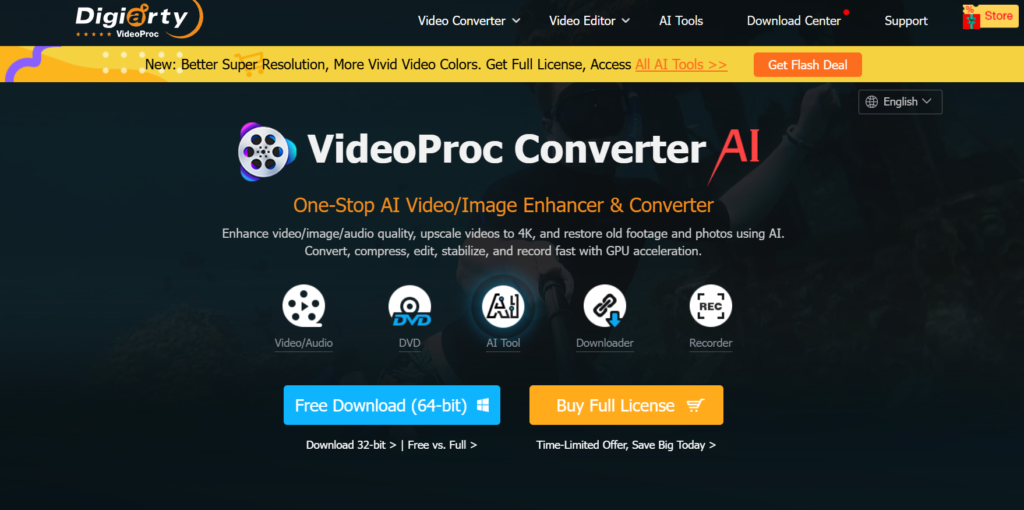
One option worth considering is VideoProc Converter AI, an all-in-one video and image processing tool designed for AI enhancement, conversion, compression, editing, downloading, and recording.
What Is VideoProc Converter AI?
VideoProc Converter AI is a desktop media-processing application that combines traditional video editing and conversion tools with AI-powered features.
It can work with videos from smartphones, GoPro cameras, DJI devices, DSLR cameras, and other sources. The software supports tasks such as video enhancement, conversion, compression, stabilization, editing, screen recording, and more.
For someone looking for a best AI video enhancer, the most interesting part is its AI-powered enhancement tools.
VideoProc Converter AI Features
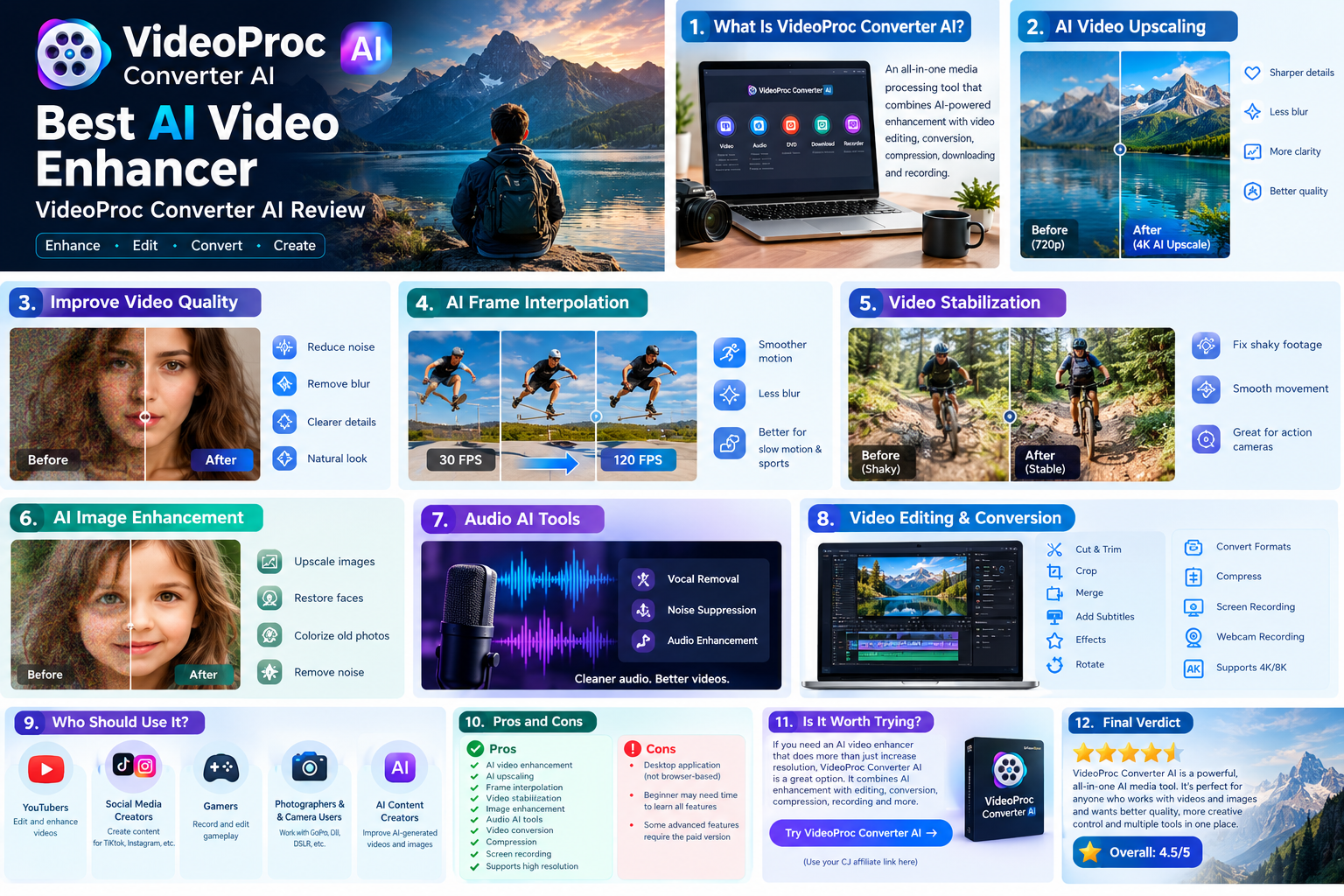
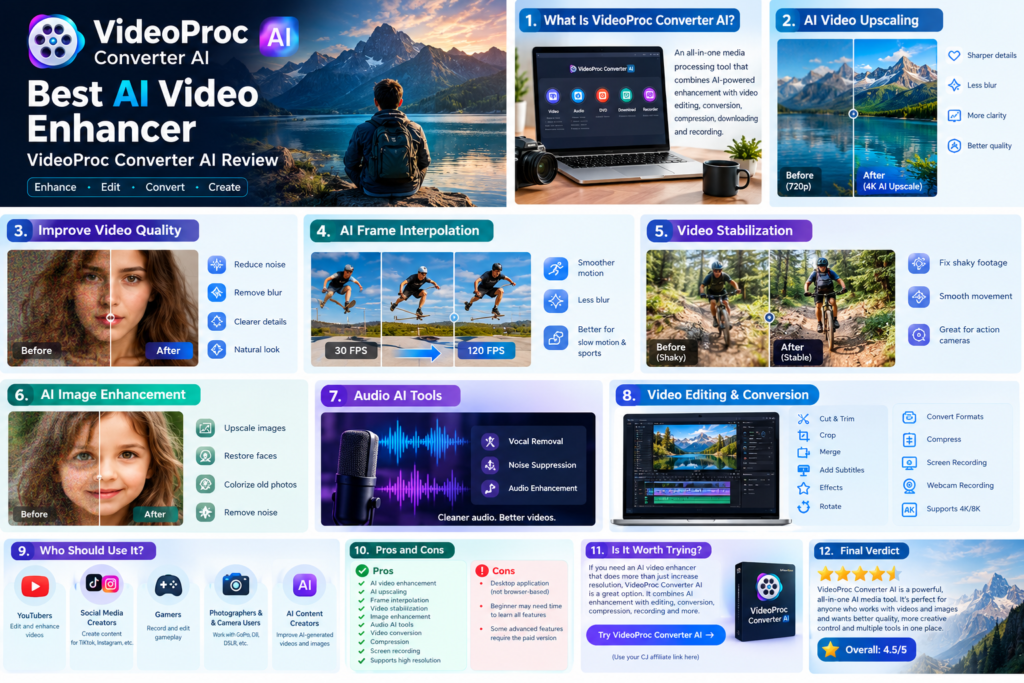
1. AI Video Upscaling
One of the main reasons people use AI video enhancement software is to improve low-resolution footage.
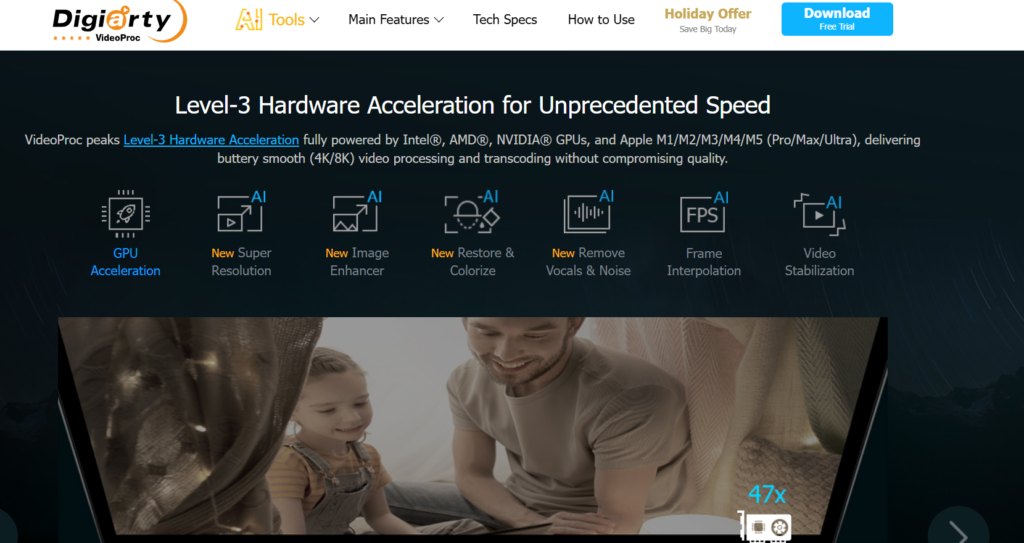
VideoProc Converter AI includes Super Resolution, which can upscale low-resolution videos and improve their visual details. Its current V3 models are designed to make AI video upscaling faster while improving natural-looking details.
This can be useful for:
- Old videos
- Smartphone footage
- YouTube content
- Low-resolution recordings
- Camera footage
- AI-generated videos
2. Improve Video Quality
VideoProc can help reduce problems such as blur, noise and unwanted visual artifacts.
Its AI tools are designed to enhance videos and make them cleaner and more detailed.
This makes it useful for creators who have footage that needs improvement before publishing.
3. AI Frame Interpolation
VideoProc also includes AI Frame Interpolation.
This technology generates additional frames to make video playback smoother. According to VideoProc, its technology can increase low-FPS footage to much higher frame rates.
This can be useful for:
- Slow-motion videos
- Sports footage
- Gaming videos
- Action-camera footage
- Smooth social-media videos
4. Video Stabilization
Shaky footage is another common problem.
VideoProc Converter AI includes AI video stabilization designed to help correct shaky footage from smartphones, GoPro cameras, DJI devices and other cameras.
This is particularly useful for travel videos, sports recordings and action-camera footage.
5. AI Image Enhancement
VideoProc isn’t limited to video.
Its image AI tools can upscale and enhance photos, restore faces and colorize black-and-white images.
This makes it more of an all-in-one AI media tool rather than just a video enhancer.

6. Audio AI Tools
VideoProc also includes audio AI features such as vocal removal and noise suppression.
These tools can be useful for podcasts, interviews, vlogs and other videos where background noise affects audio quality.
Video Editing and Conversion
Another advantage is that you don’t necessarily need separate software for every video task.
VideoProc includes tools for:
- Cutting
- Cropping
- Merging
- Adding subtitles
- Applying effects
- Rotating videos
- Converting video formats
- Compressing videos
- Screen recording
- Webcam recording
It supports a large range of video and audio formats and is designed to work with HD, 4K and 8K footage.
Who Should Use VideoProc Converter AI?
VideoProc could be useful for:
YouTubers
Creators can enhance, compress, edit and convert videos before uploading them.
Social Media Creators
If you create videos for TikTok, Instagram or other social platforms, the enhancement and compression tools can help prepare your footage.
Gamers
The screen recorder can be used to capture gameplay, while the editing tools can be used to prepare recordings.
Photographers and Camera Users
People working with GoPro, DJI, DSLR or smartphone footage can use the software to process their recordings.
AI Content Creators
VideoProc’s AI enhancement features can also be useful for improving AI-generated videos and images. VideoProc recently highlighted AI-generated content enhancement in its 2026 updates.
VideoProc Converter AI Pros and Cons
Pros
- AI video enhancement
- AI upscaling
- Frame interpolation
- Video stabilization
- Image enhancement
- Audio AI tools
- Video conversion
- Video compression
- Screen recording
- Supports high-resolution footage
- Multiple video tools in one application
Cons
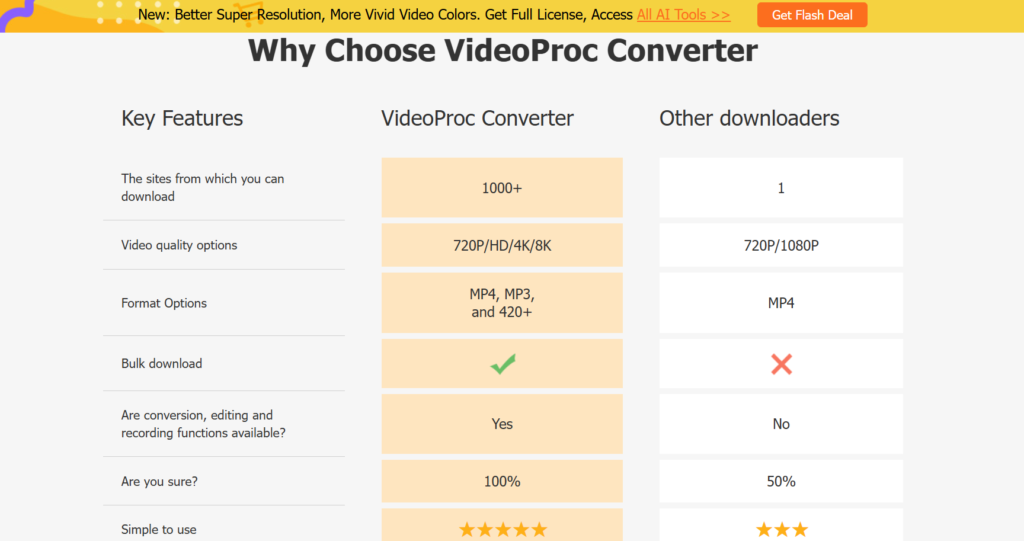
- It is primarily a desktop solution rather than a simple browser-based editor.
- Beginners may need some time to understand all of its features.
- Some advanced features require the paid version.
Is VideoProc Converter AI Worth Trying?
If you are looking for an AI video enhancer that does more than simply increase video resolution, VideoProc Converter AI is worth considering.
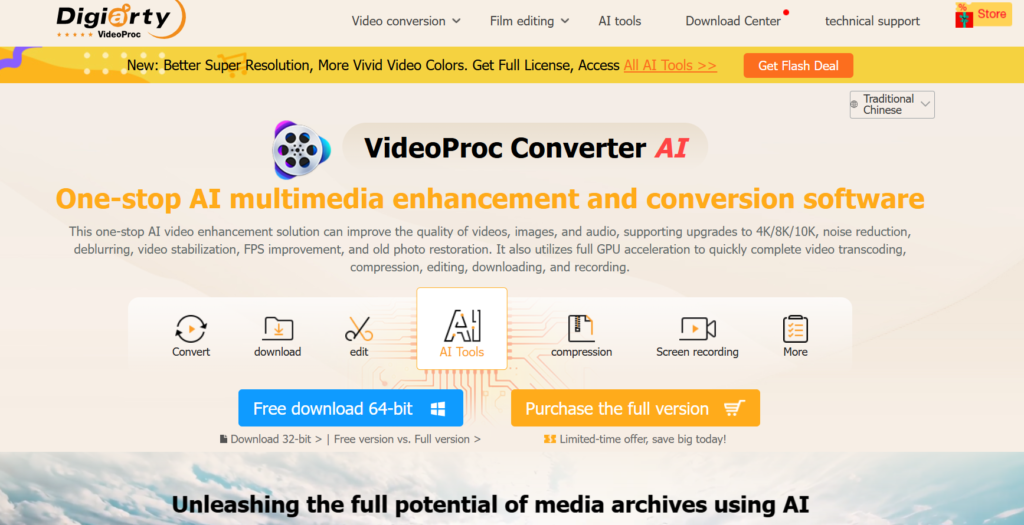
It combines AI enhancement with video conversion, compression, editing, recording and other media tools. The software also provides a free download/trial option, allowing users to test it before deciding whether they need the full version.
Try VideoProc Converter AI
Affiliate disclosure: This article may contain affiliate links. If you purchase a product through one of our links, we may earn a commission at no additional cost to you.
Final Verdict
For users searching for the best AI video enhancer, VideoProc Converter AI is an interesting option because it combines AI enhancement with a much broader set of video and media tools.
Its AI features include video super resolution, frame interpolation and stabilization, while its other tools cover editing, conversion, compression, recording and image/audio enhancement.
If you regularly work with videos and want one application for multiple media tasks, VideoProc Converter AI is worth testing.