
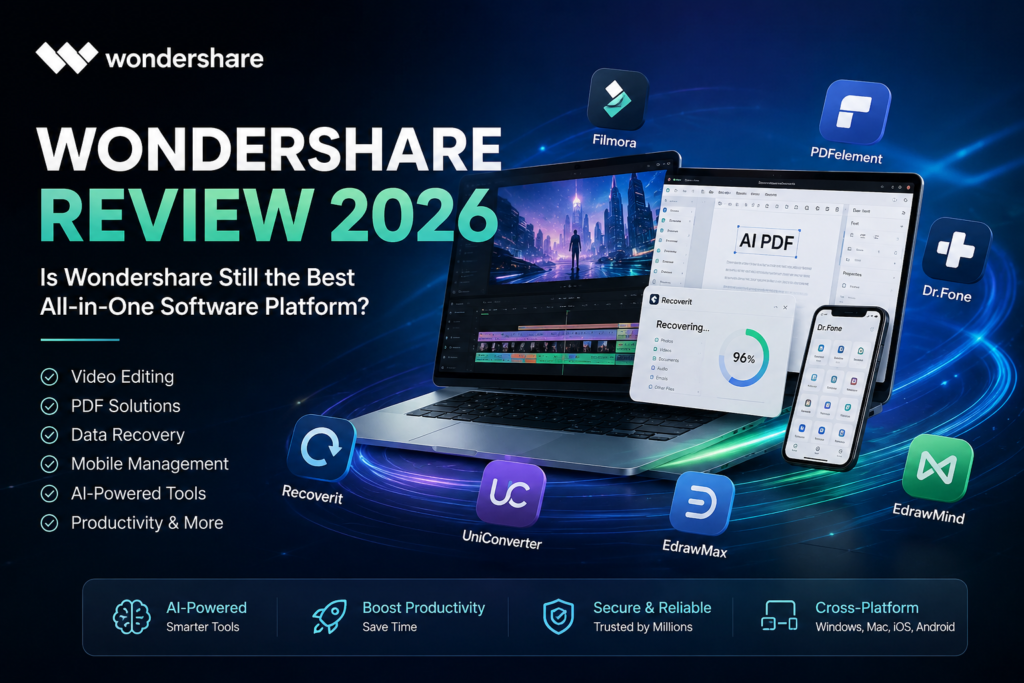
If you’ve searched for video editing, PDF software, data recovery, mobile management, or AI-powered creative tools, you’ve almost certainly come across Wondershare.
Unlike companies that specialize in a single application, Wondershare has built an ecosystem of software covering video creation, document management, data recovery, mobile utilities, diagrams, AI tools, and business productivity.
But with so many products available, is Wondershare actually worth your money in 2026?
This in-depth Wondershare Review 2026 examines the company’s software portfolio, licensing, strengths, weaknesses, pricing, customer support, and which products deliver the best value.
What Is Wondershare?
Wondershare is a global software company founded in 2003 that develops productivity, multimedia, utility, and AI-powered applications for Windows, macOS, Android, iPhone, and the web.
Rather than selling only one flagship application, Wondershare offers dozens of products organized into four major categories:
- Video & Creative Software
- PDF & Document Solutions
- Utility & Data Management
- Diagramming & Business Productivity
The company has expanded heavily into AI features across many of its applications, including video editing, document processing, image enhancement, and workflow automation.
Wondershare’s Most Popular Products
One of Wondershare’s biggest strengths is its diverse software ecosystem.
1. Filmora
Filmora is Wondershare’s flagship video editor and one of the easiest editing programs for beginners and content creators.
Key Features
- AI Video Editing
- AI Copilot Editing
- Auto Caption Generator
- Text-to-Video
- Speech-to-Text
- Motion Tracking
- Keyframing
- Screen Recording
- Green Screen
- Hundreds of Effects
- Royalty-Free Assets
Filmora is designed for YouTubers, marketers, educators, freelancers, and social media creators who want professional-looking videos without the steep learning curve of traditional editing software.
2. PDFelement
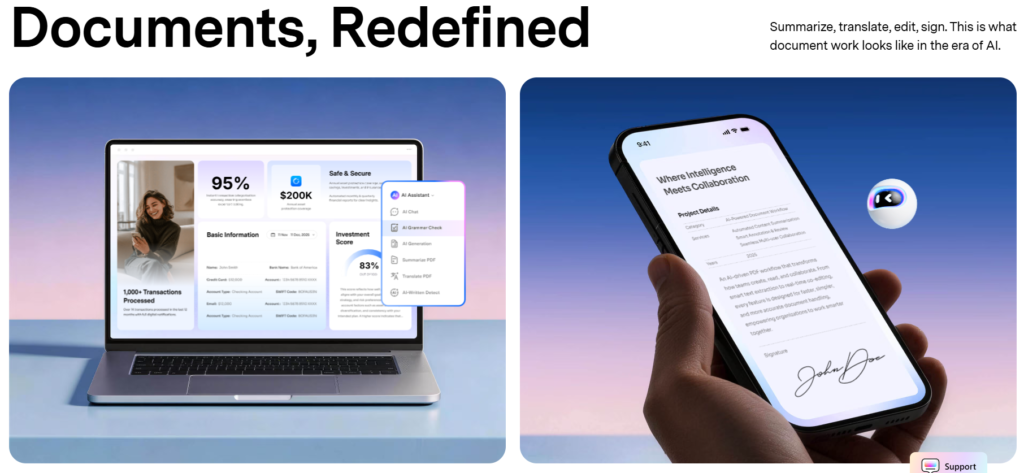
PDFelement is Wondershare’s answer to Adobe Acrobat.
Instead of paying premium enterprise pricing, users get an all-in-one PDF solution for editing, converting, signing, annotating, and organizing documents.
Features
- Edit PDFs
- Convert PDF to Word, Excel & PowerPoint
- OCR Text Recognition
- AI PDF Assistant
- Digital Signatures
- Batch Processing
- Fill Forms
- Password Protection
- Cloud Storage Integration
For many freelancers, students, and small businesses, PDFelement provides the core PDF tools they need at a lower cost than some competing enterprise solutions.
3. Recoverit
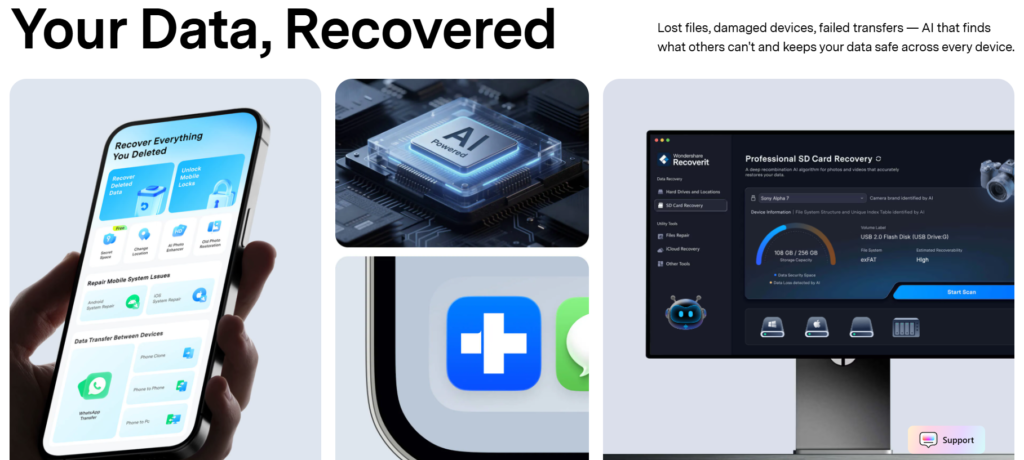
Recoverit is Wondershare’s professional data recovery software.
It helps recover:
- Deleted files
- Lost partitions
- Formatted drives
- External hard drives
- USB flash drives
- SD cards
- NAS storage
- Crashed computers
- Lost photos
- Videos
- Documents
The software also includes dedicated recovery modes for NAS devices and Linux systems in supported editions.
4. Dr.Fone
Dr.Fone has evolved into one of Wondershare’s largest product families.
Instead of focusing only on data recovery, it now provides a complete toolkit for smartphone management.
Dr.Fone Modules
- Phone Transfer
- WhatsApp Transfer
- Screen Unlock
- Android FRP Bypass
- iPhone Unlock
- System Repair
- Data Recovery
- Device Backup
- Password Manager
- Virtual Location
- Data Eraser
Rather than installing several mobile utilities, users can manage many device-related tasks from a single platform.
5. UniConverter
UniConverter is a multimedia toolkit that goes beyond video conversion.
Features include:
- Video Conversion
- AI Video Enhancement
- Compression
- DVD Burning
- Screen Recording
- Subtitle Editing
- Audio Extraction
- GIF Creation
- Batch Processing
It’s especially useful for creators who regularly work with large video libraries or multiple file formats.
6. EdrawMax & EdrawMind
For business users, Wondershare offers visual productivity tools.
EdrawMax
Ideal for:
- Flowcharts
- Floor Plans
- Network Diagrams
- UML Diagrams
- Organizational Charts
- Infographics
EdrawMind
Designed for:
- Brainstorming
- Project Planning
- Team Collaboration
- Study Notes
- Mind Maps
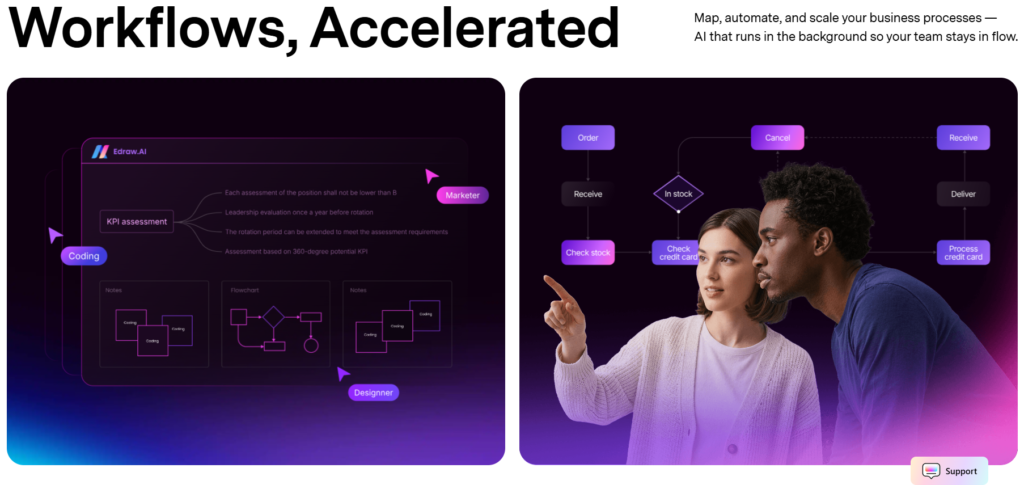
These applications compete with popular diagramming and mind-mapping software while adding AI-assisted features.
AI Features Across the Wondershare Ecosystem
A major focus for Wondershare in 2026 is AI integration.
Many products now include AI-powered tools such as:
- AI Writing Assistance
- AI Video Editing
- AI Subtitle Generation
- AI Translation
- AI Object Removal
- AI Background Removal
- AI Image Enhancement
- AI PDF Summaries
- AI Diagram Generation
These features are designed to automate repetitive tasks and improve productivity across creative and business workflows.
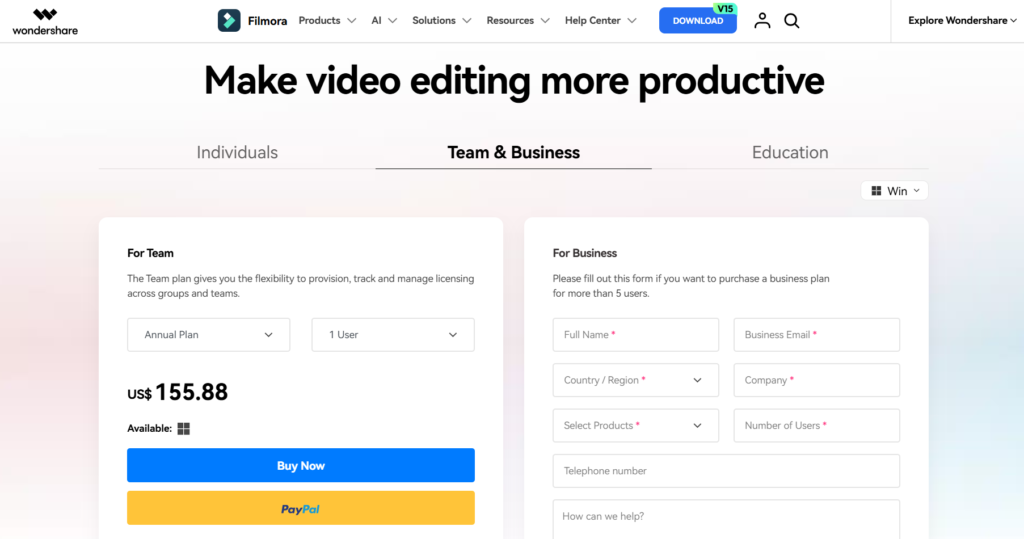
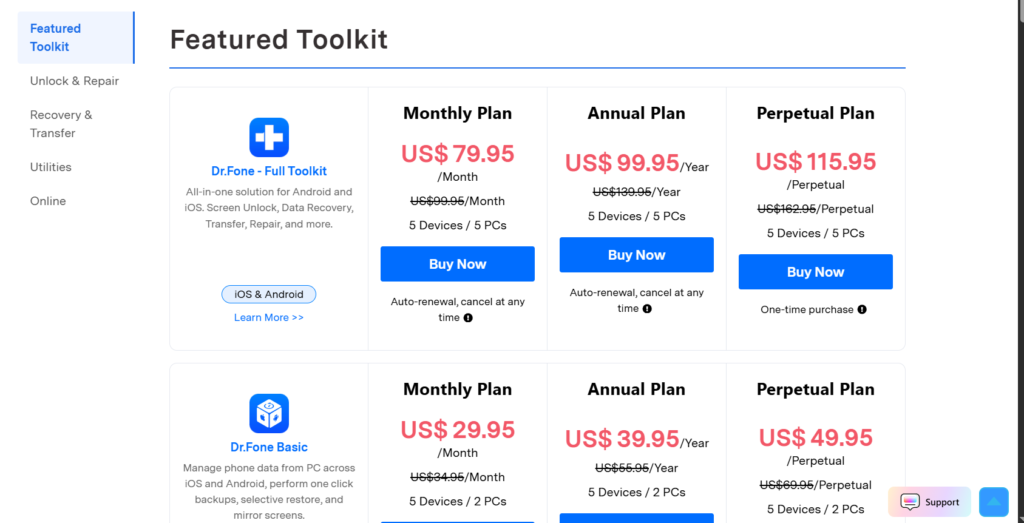
Licensing and Pricing
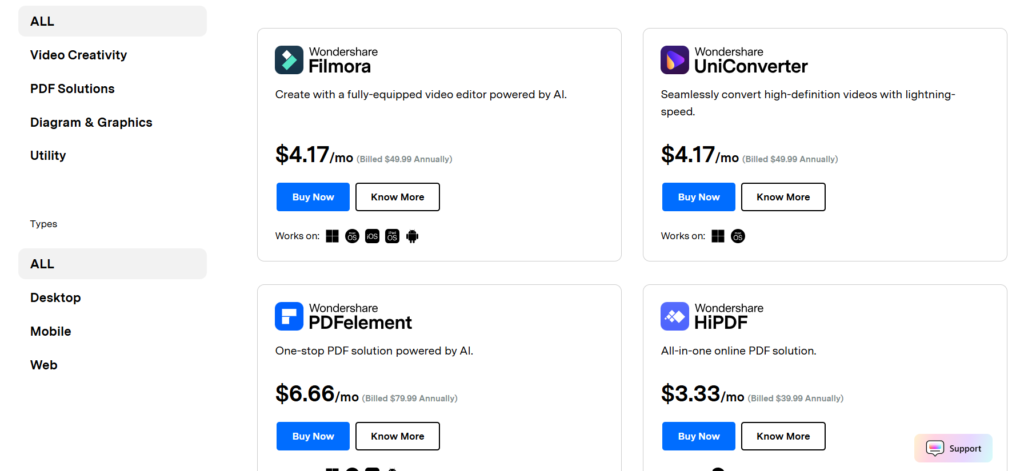
Wondershare offers several licensing options depending on the product:
- Monthly subscriptions
- Annual subscriptions
- Perpetual (lifetime) licenses for selected products
- Cross-platform licenses
- Business and education plans
- Product bundles
Some bundles combine multiple Wondershare applications, which can offer better value if you use more than one product. Pricing and license types vary by software.
Customer Support
Wondershare provides a comprehensive support ecosystem that includes:
- Knowledge base
- Video tutorials
- Installation guides
- FAQs
- Live chat
- Email support
- Account management
- License retrieval
- Refund requests
- Product documentation
Support resources are available for nearly every major product in the portfolio.
Pros and Cons
Pros
- Large ecosystem of software products
- Excellent beginner-friendly interfaces
- AI features integrated across many apps
- Available for Windows, macOS, Android, and iOS
- Strong selection of creative, business, and utility software
- Regular updates and active product development
- Flexible licensing options
Cons
- Subscription costs can add up if you use many products
- AI features may require internet access or specific plans
- Feature availability differs between products and license tiers
Who Should Use Wondershare?
Wondershare is a good fit for:
- Content creators
- YouTubers
- Bloggers
- Freelancers
- Students
- Small businesses
- Marketing agencies
- Educators
- Designers
- Office professionals
- IT users managing data and mobile devices
Because the company offers tools across multiple categories, it’s particularly useful if you prefer getting software from one ecosystem instead of managing products from several vendors.
Final Verdict
After reviewing its product lineup, Wondershare remains one of the most comprehensive software providers available in 2026.
Its ecosystem covers nearly every major productivity category—from video editing with Filmora and document management with PDFelement to data recovery with Recoverit, mobile management with Dr.Fone, and business diagramming with EdrawMax.
The software is generally easy to learn, regularly updated, and enhanced with AI-powered features that help save time on everyday tasks.
If you’re looking for an all-in-one software ecosystem for creativity, productivity, and device management, Wondershare is one of the strongest options available in 2026.
Frequently Asked Questions
Is Wondershare a legitimate company?
Yes. Wondershare has been developing software since 2003 and offers a broad portfolio of productivity, creative, and utility applications used worldwide.
What is Wondershare best known for?
Wondershare is best known for Filmora, PDFelement, Recoverit, Dr.Fone, UniConverter, and EdrawMax.
Does Wondershare offer AI tools?
Yes. Many Wondershare products now include AI-powered features for video editing, PDF processing, media enhancement, and creative workflows.
Is Wondershare good for beginners?
Yes. Most Wondershare applications are designed with intuitive interfaces, templates, and guided workflows, making them accessible to beginners while still offering advanced features for experienced users.