
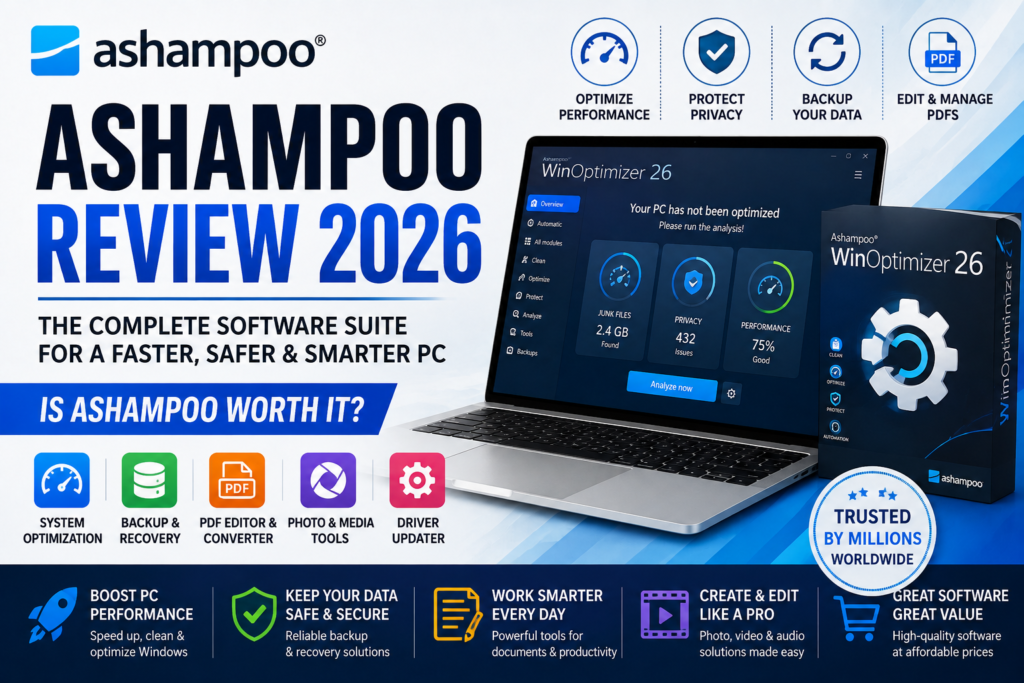
If you’re looking for software to improve your Windows PC, edit photos, manage PDFs, create backups, or protect your privacy, you’ve likely come across Ashampoo.
But is Ashampoo worth using in 2026?
In this review, we’ll take a closer look at the company’s software lineup, standout features, pricing, pros and cons, and whether it’s a good choice for home users, professionals, and businesses.
What Is Ashampoo?
Ashampoo is a German software company that develops applications for Windows users. Its product catalog includes system optimization tools, backup software, PDF editors, multimedia programs, security utilities, and productivity apps. In addition to its own software, Ashampoo also offers selected third-party products through its marketplace.
Today, Ashampoo provides dozens of applications covering almost every aspect of PC maintenance and digital productivity.
Popular Ashampoo Software
One reason many users choose Ashampoo is the variety of software available.
Some of the most popular products include:
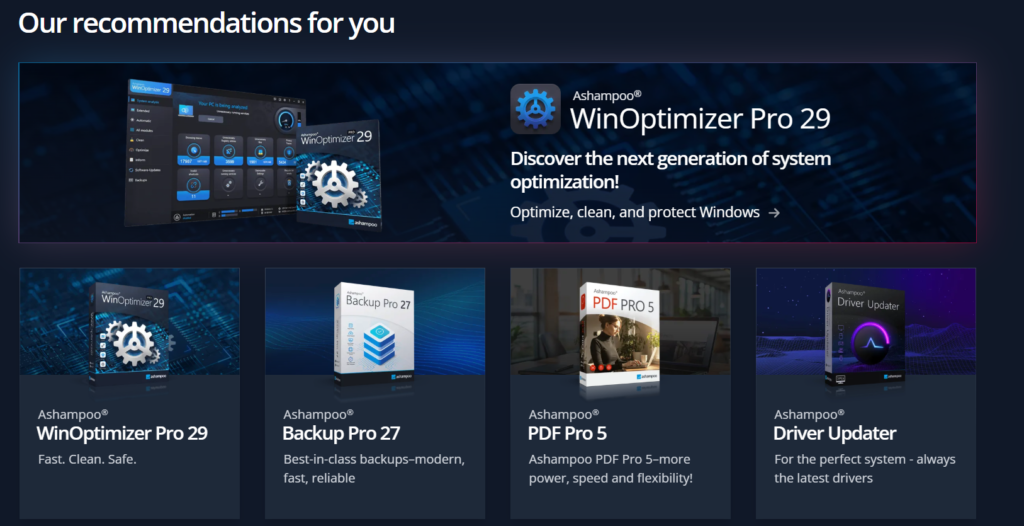
Ashampoo WinOptimizer
WinOptimizer is designed to help improve Windows performance by removing unnecessary files, managing startup programs, protecting privacy, and optimizing system settings.
Key features include:
- PC cleanup
- Registry maintenance
- Privacy protection
- Startup optimization
- Performance tuning
It’s one of Ashampoo’s flagship utilities for keeping Windows running efficiently.
Ashampoo Backup Pro
Backup Pro helps protect important files by creating automatic backups of your system, drives, or selected folders.
Features include:
- Full system backups
- Automatic scheduled backups
- Incremental backups
- File recovery
- Cloud storage support
Regular backups can make recovering from hardware failures or accidental file deletion much easier.
Ashampoo PDF Pro
Ashampoo PDF Pro is an all-in-one PDF editor that lets users create, edit, convert, merge, and organize PDF documents.
You can use it to:
- Edit existing PDFs
- Convert PDFs to Word
- Merge documents
- Add comments and annotations
- Create fillable forms
It’s suitable for students, professionals, and businesses that work with PDF files regularly.
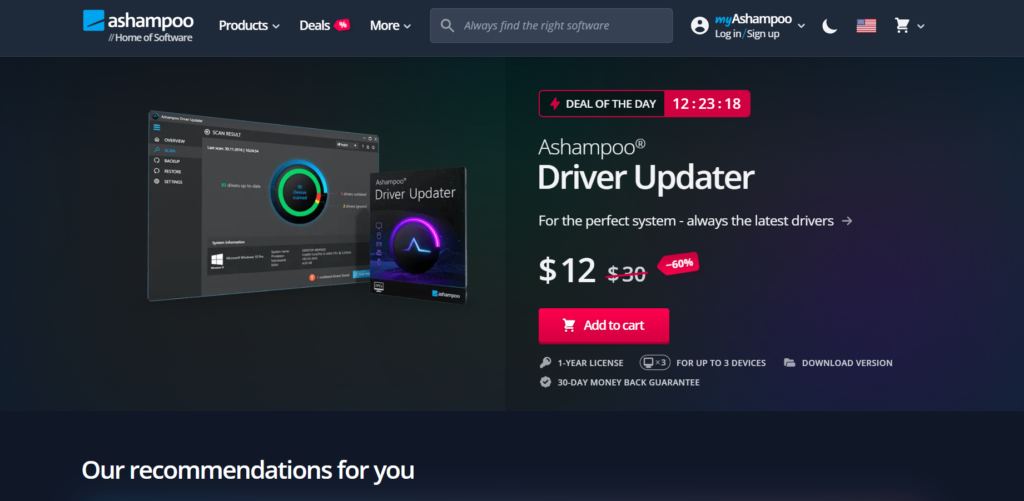
Ashampoo Driver Updater
Keeping device drivers updated is important for system stability and hardware compatibility.
Driver Updater can:
- Scan outdated drivers
- Download compatible updates
- Improve hardware performance
- Help reduce driver-related issues
The software supports many hardware manufacturers and simplifies the update process.
Multimedia Software
Ashampoo also develops creative software for:
- Photo editing
- Video editing
- Audio recording
- Screen capture
- DVD and Blu-ray burning
Popular multimedia tools include Photo Commander, Snap, and Music Studio, giving users a range of options for managing and editing media.
Key Features
Ashampoo offers software in several categories:
- Windows optimization
- Backup and recovery
- PDF editing
- Driver updates
- Photo editing
- Video editing
- Audio tools
- Screen recording
- Privacy protection
- Mobile utilities
- Password management (through marketplace partners)
This broad selection makes it easy to find software for different everyday computing needs.
Is Ashampoo Easy to Use?
Yes.
Most Ashampoo programs feature clean interfaces with straightforward menus and guided workflows. Even users with limited technical experience can perform tasks like cleaning a PC, creating backups, or editing PDFs without much difficulty.
The company also provides tutorials, documentation, and a regularly updated blog with technology tips and software guides.
Free vs. Paid Software
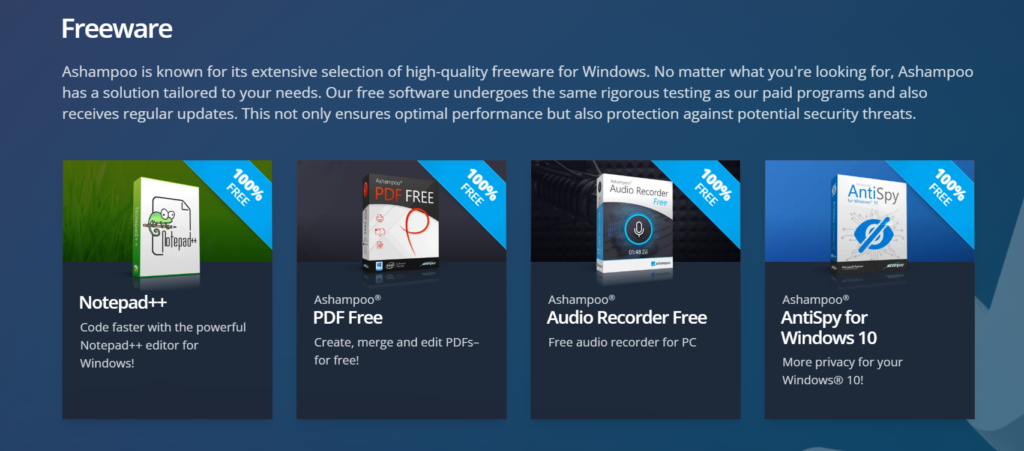
Ashampoo offers both free and paid applications.
The free versions typically provide core functionality, while premium editions include additional tools, automation features, and advanced options.
Many users begin with the free software before upgrading if they need more features.
Who Should Use Ashampoo?
Ashampoo software is suitable for:
- Home users
- Students
- Small businesses
- Office professionals
- Content creators
- Photographers
- Windows power users
- Anyone who wants to optimize and maintain a PC
Whether you need to clean your computer, edit documents, manage photos, or protect important files, Ashampoo has software designed for different skill levels.
Pros and Cons
Pros
- Wide range of Windows software
- Beginner-friendly interface
- Free and premium products available
- Reliable backup and optimization tools
- Strong PDF editing capabilities
- Multimedia editing software included
- Frequent software discounts
Cons
- Most advanced features require paid versions
- Some products overlap with built-in Windows tools
- Certain specialized utilities are sold separately
Pricing
Ashampoo offers flexible pricing depending on the product.
Many programs are available with lifetime licenses, while others may include annual licensing or promotional discounts. The company frequently runs sales, making premium software more affordable.

Is Ashampoo Safe?
Ashampoo has been developing Windows software for many years and provides regular updates for its products. The company also offers support resources and publishes software documentation to help users get the most from its applications. As with any system utility, it’s wise to back up important data before making significant system changes.
Final Verdict
Ashampoo is a strong choice for Windows users looking for an all-in-one software provider. Instead of downloading utilities from multiple companies, you can find tools for system optimization, backups, PDF editing, multimedia creation, and productivity in one place.
Its software is easy to use, regularly updated, and available in both free and premium versions, making it suitable for beginners and experienced users alike.
If you want dependable Windows software for improving performance, protecting your data, or boosting productivity, Ashampoo is definitely worth considering in 2026.
Frequently Asked Questions
What is Ashampoo?
Ashampoo is a software company that develops Windows applications for PC optimization, backup, multimedia editing, PDF management, productivity, and security.
Is Ashampoo free?
Ashampoo offers a selection of free applications as well as premium software with additional features.
What is Ashampoo WinOptimizer?
WinOptimizer is a Windows optimization tool that helps clean unnecessary files, improve performance, manage startup items, and enhance privacy.
Does Ashampoo offer backup software?
Yes. Ashampoo Backup Pro allows users to create and restore backups of files, drives, and entire systems.
Is Ashampoo good for beginners?
Yes. Most Ashampoo applications feature simple interfaces and guided workflows, making them accessible even for users with little technical experience.