
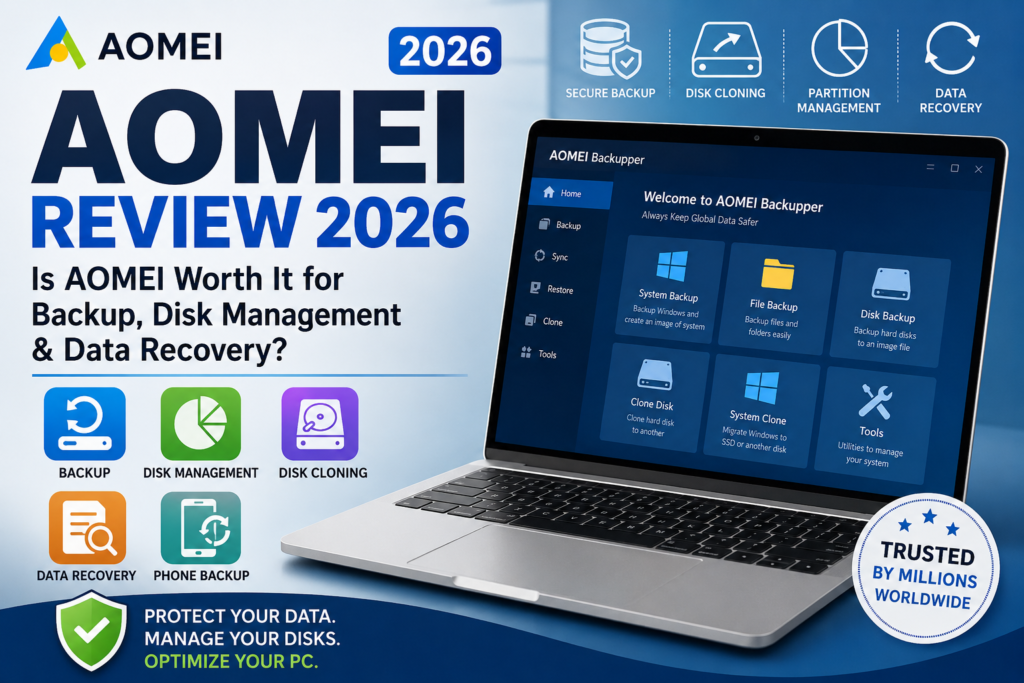
If you’re looking for reliable Windows utilities, you’ve probably heard of AOMEI. The company develops software for data backup, disk partition management, cloning, recovery, and mobile data transfer.
But is AOMEI worth using in 2026?
In this review, we’ll explore what AOMEI offers, its most popular software, key features, pricing, pros and cons, and who it’s best suited for.
What Is AOMEI?
AOMEI is a software company that develops Windows system utilities for home users, businesses, and IT professionals. Its products focus on protecting data, managing storage devices, recovering lost files, and improving PC performance.
The company offers both free and paid software, making it suitable for beginners as well as advanced users.
AOMEI Products
AOMEI provides several software solutions designed for different needs.
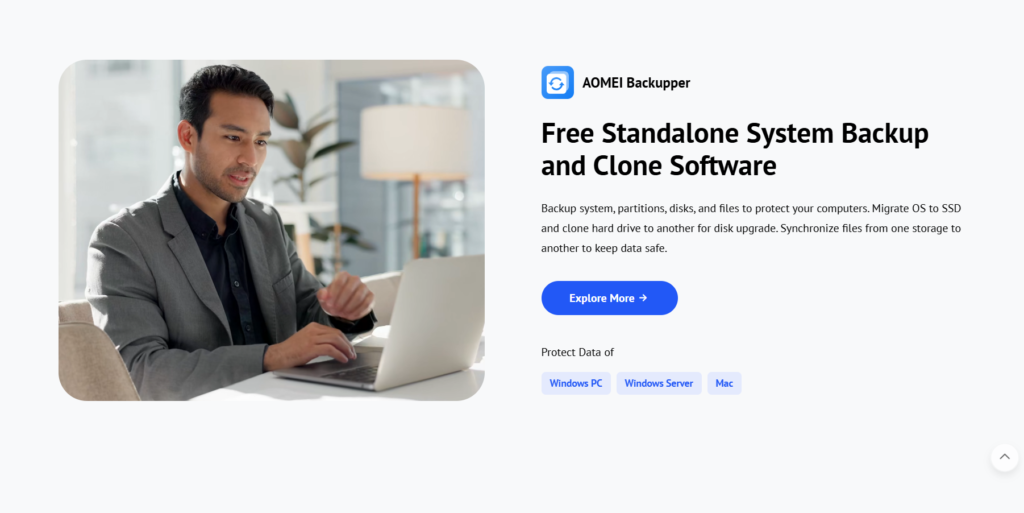
1. AOMEI Backupper
AOMEI Backupper is one of the company’s most popular applications.
It allows you to:
- Backup your Windows system
- Backup files and folders
- Clone HDDs and SSDs
- Restore your computer after system failure
- Schedule automatic backups
- Sync files across locations
It also supports incremental and differential backups, helping save both storage space and backup time.
2. AOMEI Partition Assistant
AOMEI Partition Assistant is designed to simplify disk management.
Some of its key features include:
- Resize partitions
- Merge or split partitions
- Clone disks
- Convert MBR to GPT
- Migrate Windows to SSD
- Create bootable media
- Recover partitions
- Clean junk files
The software supports Windows 11, Windows 10, Windows 8, Windows 7, and Windows Server editions.
3. AOMEI FastRecovery
If you’ve accidentally deleted important files, AOMEI FastRecovery can help recover them.
It supports recovery of:
- Documents
- Photos
- Videos
- Emails
- Deleted folders
- Formatted drive data
The software works with HDDs, SSDs, USB drives, and other storage devices.
4. AOMEI Cloner
AOMEI Cloner is built specifically for disk cloning.
You can use it to:
- Clone an operating system to a new SSD
- Upgrade an old hard drive
- Copy an entire disk
- Migrate Windows without reinstalling
This is especially useful when replacing an aging hard drive with a faster SSD.
5. AOMEI FoneBackup
For iPhone users, AOMEI FoneBackup provides backup and transfer features.
It allows you to:
- Backup iPhone data
- Transfer photos
- Move contacts
- Manage files
- Restore backups
It’s designed as an alternative for users who want more flexibility than traditional backup methods.
Key Features of AOMEI
AOMEI software includes a wide range of tools, including:
- Automatic backup scheduling
- Disk cloning
- System migration
- File synchronization
- Data recovery
- Partition management
- Bootable recovery media
- Secure disk wiping
- Windows optimization
Many of these features are available through simple step-by-step wizards, making the software accessible even for beginners.
Is AOMEI Easy to Use?
Yes.
One reason AOMEI is popular is its clean interface. Most tasks—such as creating a backup, resizing a partition, or cloning a drive—can be completed in just a few clicks.
The software also includes built-in guides and documentation to help users understand each feature.
Free vs Paid Versions
Most AOMEI products are available in both free and professional editions.
The free versions generally include essential features for personal use, while paid versions unlock advanced capabilities such as:
- Advanced cloning
- System migration
- Dynamic disk support
- Business licensing
- Priority support
- More automation options
This lets users try the software before deciding whether they need additional features.
Who Should Use AOMEI?
AOMEI is suitable for:
- Home users
- Small businesses
- IT technicians
- System administrators
- Students
- PC builders
- Anyone upgrading to an SSD
- Users wanting regular backups
Whether you’re protecting personal files or managing multiple business computers, AOMEI has software designed for different experience levels.
Pros and Cons
Pros
- Easy-to-use interface
- Free versions available
- Reliable backup tools
- Powerful partition management
- Fast disk cloning
- Data recovery solutions
- Windows Server support
- Suitable for beginners and professionals
Cons
- Some advanced features require a paid license
- Business editions can be expensive for casual users
- Certain tools are only available in professional versions
Is AOMEI Safe?
AOMEI’s software is widely used for backup and disk management, and many operations are designed to protect data by requiring confirmation before changes are applied. The company also emphasizes safe partition management and reliable backup processes in its documentation. As with any software that modifies disks or partitions, it’s a good idea to create a backup before making major changes.
Pricing
AOMEI offers several licensing options depending on the product.
Pricing varies by software and edition, with free versions available for many home users. Professional editions are available as yearly subscriptions or lifetime licenses, while business and enterprise editions include additional tools and licensing options.
Final Verdict
AOMEI is one of the most complete software suites for Windows users who need backup, disk management, cloning, and recovery tools.
Its software is beginner-friendly, offers useful free editions, and scales well for businesses and IT professionals through more advanced paid versions.
If you’re looking for dependable Windows utilities to protect your data or manage your storage devices, AOMEI is definitely worth considering in 2026.
Frequently Asked Questions
What is AOMEI?
AOMEI is a software company that develops Windows utilities for backup, partition management, disk cloning, data recovery, and mobile backup.
Is AOMEI free?
Yes. Many AOMEI products offer free editions with core features, while professional versions include advanced functionality.
What is AOMEI Backupper used for?
AOMEI Backupper is used to create system, disk, partition, and file backups, as well as restore data and clone drives.
What is AOMEI Partition Assistant?
It’s a disk management tool that lets you resize, merge, split, clone, and convert partitions while optimizing storage on Windows PCs.
Is AOMEI good for SSD migration?
Yes. Several AOMEI tools include features for migrating Windows to an SSD or cloning an existing drive, making upgrades easier.